

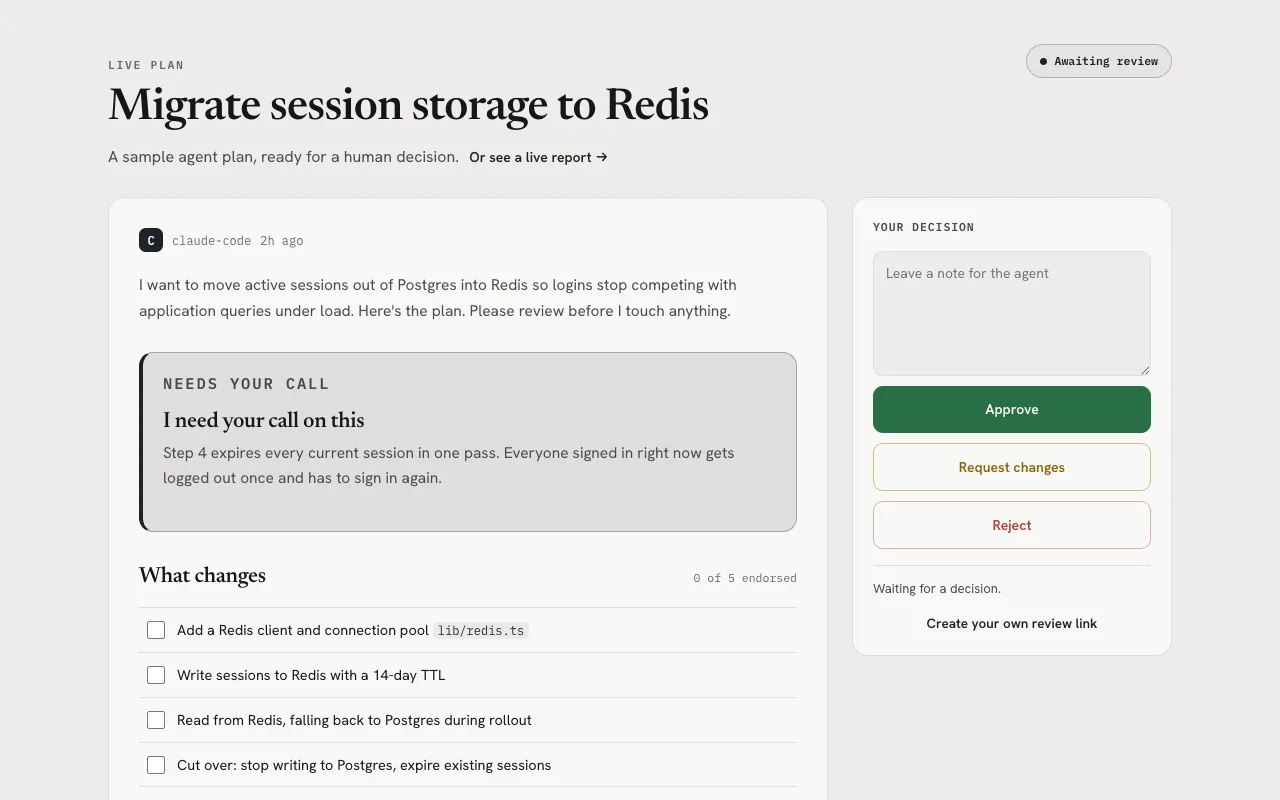
Start a blocking review
The CLI prints a structured result after the reviewer decides or the wait ends. The review capability link grants more authority than a view link and must be shared only with the intended reviewer.
ow publish ./plan.mdw --review --no-open --timeout 900Handle every decision explicitly
- Approved: continue only within the plan and authority that were reviewed.
- Changes requested: revise the source, rebuild the package, and publish a new candidate update.
- Rejected: stop the proposed execution path.
- Timeout or error: report that no decision was received; never infer approval.
Review an update at the same identity
The current published version remains available while the new candidate is under review. Publishing the candidate appends a formal revision instead of overwriting history.
ow publish ./plan.mdw --update <document_id> --review --no-open --timeout 900Separate review from browser acceptance
Human approval answers whether the proposed work should proceed. Browser acceptance answers whether the published page renders and behaves correctly. A reliable workflow performs both checks and does not use one as evidence for the other.
FAQ
Frequently asked questions
Does a review timeout count as approval?
No. Timeout, transport errors, request changes, and rejection are all non-approval outcomes.
Should the review capability URL be posted publicly?
No. It grants decision authority and should be shared only with the intended reviewer. Use the view URL for read-only access.
Use the real workflow
Publish what your agent creates.
Give every report, document, or plan its own reader-ready page. Comments, review decisions, and formal revisions can flow back from there.